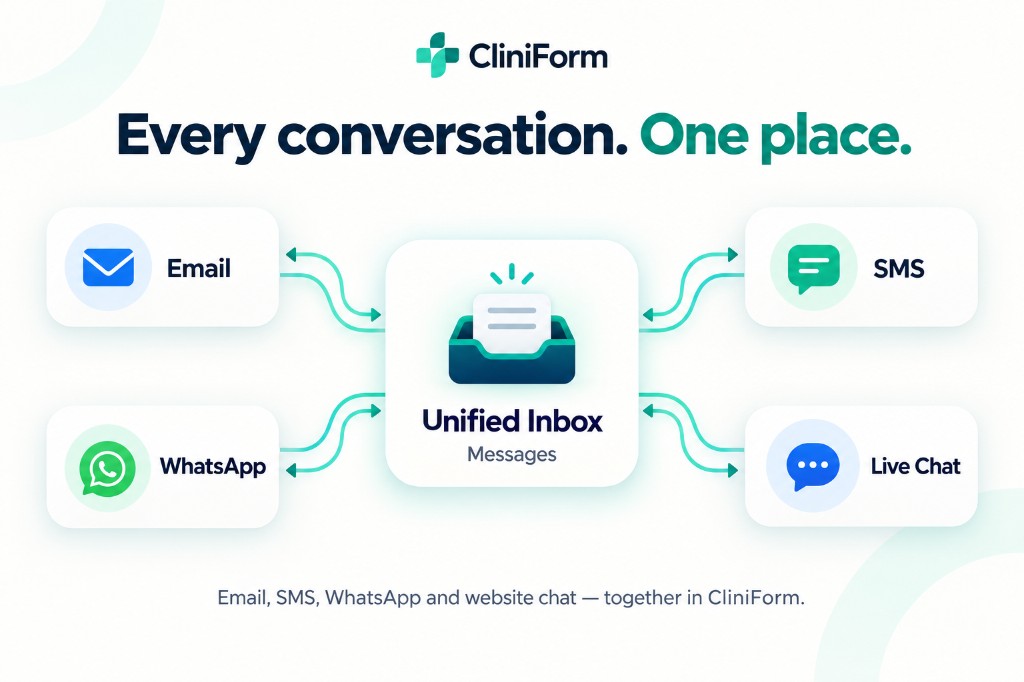
A client emails about an appointment. Another sends a text. Someone browsing your website asks a question through chat.
Each conversation matters, but keeping track of them across separate tools can interrupt the working day. It can also make it harder for a team to see which enquiries need attention and who is dealing with them.
CliniForm’s Unified Inbox, called Messages within the platform, provides a central workspace for supported email, SMS, WhatsApp and website chat conversations.
Your practice can manage connected channels from one place, with less switching between separate messaging tools. Learn more about CliniForm Client Messaging.
What is a unified inbox?
A unified inbox brings conversations from connected communication channels into a shared workspace.
The original channel still matters. An email remains an email, and a WhatsApp message follows WhatsApp’s messaging rules. The benefit is that staff can manage those conversations through a consistent interface.
Give your team a clearer place to work
Shared communication works best when staff can see what needs attention.
A central inbox provides a common place to review conversations, follow up outstanding questions and coordinate responses. Conversation assignment can help make responsibility clearer within the team.
Set a simple team routine: decide who checks incoming enquiries, when a conversation should be assigned and how staff should hand it over when someone else needs to respond.
CliniForm Messages brings those conversations into a shared workspace, helping your team spend less time searching across tools and more time responding to clients. If consultation notes are the bigger bottleneck, read about CliniForm AI for practice workflows.
Bring your practice together with CliniForm Pro. Try Pro free for 14 days or book a demo to see the platform in action.