Treatment note templates
Build your own review notes instead of being limited to SOAP, Session, Treatment, Procedure or General Notes — and set a default so consultations open ready to go.
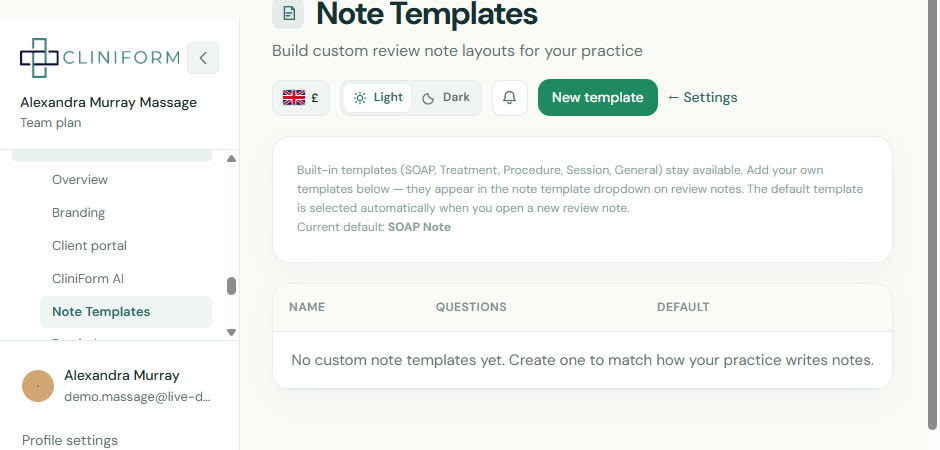
What changed
You can now:
- Create your own treatment note templates for reviews and consultations
- Move beyond SOAP, Session, Treatment, Procedure or General Notes alone
- Set a default note type so consultations open ready to go
- Shape note layouts around how your practice actually works
Why it matters
Different practitioners work differently. Custom notes make treatments more bespoke to your requirements, without forcing a one-size-fits-all structure.
How to use it
- Open Settings and go to Note templates.
- Create a new template and add the sections and questions you need.
- Optionally set it as your default note type.
- Open a consultation — your preferred note layout is ready to use.