Note templates
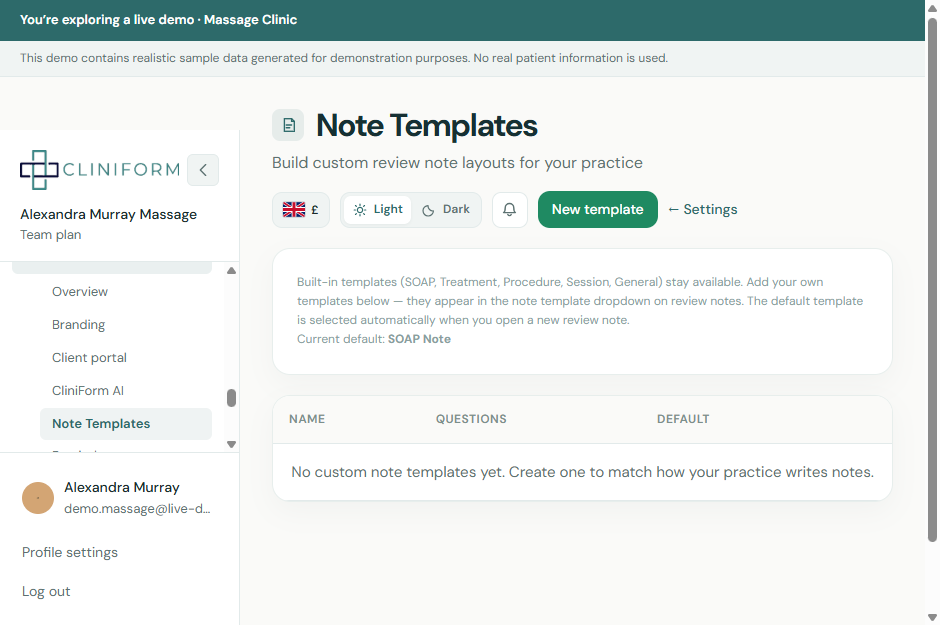
Build custom treatment note layouts beyond SOAP, Session or General Notes, and set a default so consultations open ready to go.
Note templates
CliniForm
Walkthrough
- Open Settings → Note templates.
- Create a new template and add the sections and questions your practice needs.
- Optionally set it as the default note type so new consultations open with that layout.
- Open a consultation or treatment note — your preferred fields are ready to use.
- Edit or duplicate templates as practitioners refine how they document visits.
Tips
- Different practitioners can still pick another note type per visit — the default only speeds the common path.
- Keep templates short. Extra unused fields slow every note.